
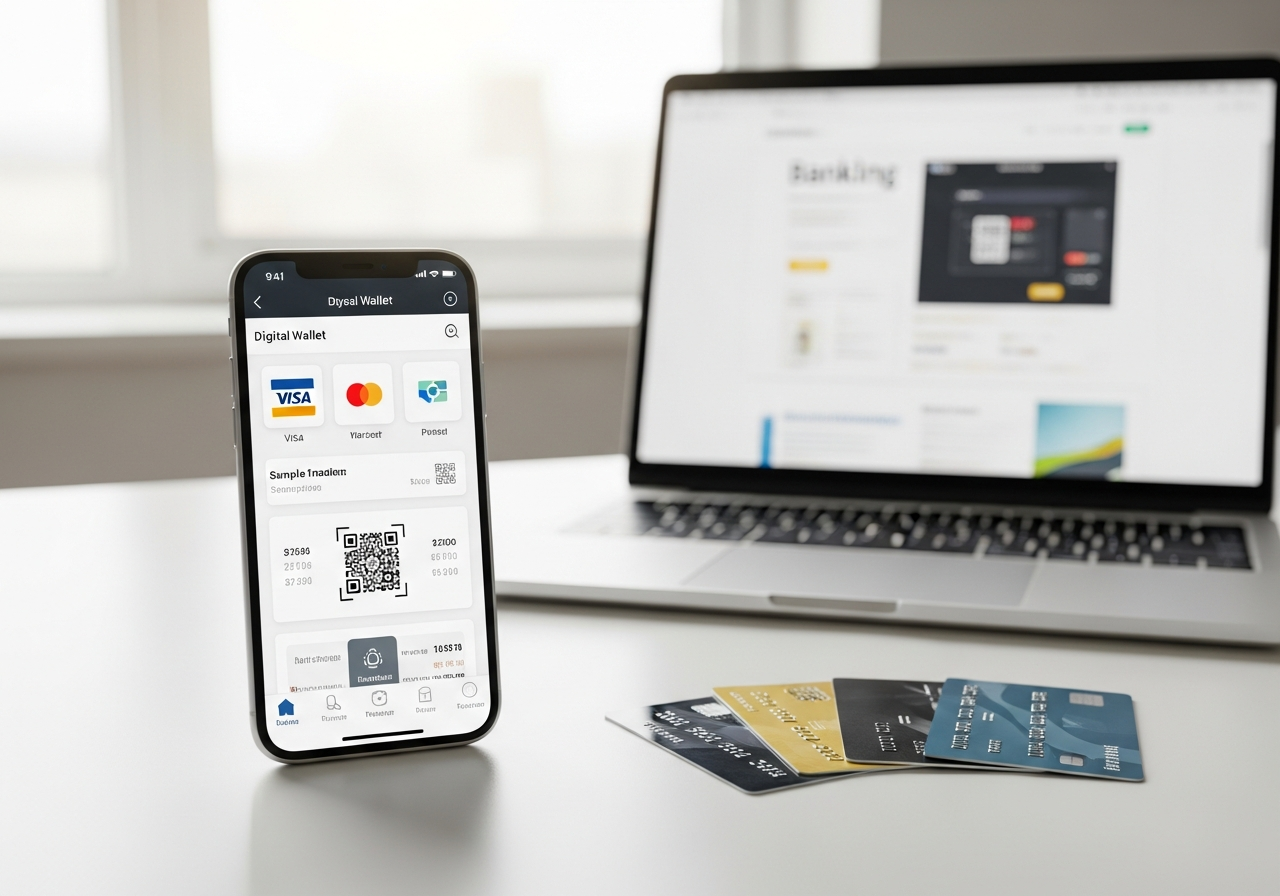
In the rapidly evolving digital payments landscape of India, Google Pay has revolutionized how users receive money through the Unified Payments Interface (UPI) system. With instant bank-to-bank transfers powered by UPI’s robust infrastructure, Google Pay enables lightning-fast deposits directly into Indian bank accounts without requiring intermediate wallets or complex procedures.
While Google Pay excels at domestic INR transactions within India’s financial ecosystem, its international deposit capabilities remain more limited compared to dedicated remittance services. The platform’s strength lies in direct bank crediting, eliminating the need for wallet intermediaries that can delay fund availability. Understanding the setup process, transaction limits, and bank compatibility is crucial for maximizing Google Pay’s deposit potential.
What Are Instant Deposits with Google Pay in India?
Google Pay instant deposits leverage India’s UPI infrastructure to enable real-time money transfers directly to bank accounts denominated in Indian Rupees. Unlike traditional e-wallet systems that require fund loading and subsequent withdrawal steps, Google Pay facilitates immediate bank-to-bank crediting within seconds of transaction initiation.
The platform supports multiple deposit scenarios including peer-to-peer (P2P) transfers between individuals, merchant payments (P2M) for goods and services, and limited international remittance receipts. All transactions bypass intermediate wallet storage, ensuring funds appear directly in the recipient’s linked bank account.
International deposit functionality through Google Pay requires specific bank partnerships and regulatory compliance, making it available primarily for receiving funds from select countries rather than comprehensive global coverage. The system automatically converts foreign currency deposits to INR using prevailing exchange rates set by partner financial institutions.
UPI vs Traditional Deposits
The fundamental differences between Google Pay’s UPI-based deposits and conventional bank transfer methods highlight the advantages of modern digital payment infrastructure. Speed, cost efficiency, and accessibility represent key differentiators in the evolving payments landscape.
| Feature | Google Pay UPI | Bank Transfer |
|---|---|---|
| Processing Speed | Instant (24/7) | 2-4 hours (business days) |
| Transaction Fees | Free for P2P | ₹2-25 per transaction |
| Daily Limits | ₹1,00,000 | ₹10,00,000+ |
| Setup Complexity | Mobile app only | Branch visit required |
Supported Transaction Types
Google Pay accommodates diverse deposit scenarios through its integrated UPI platform, catering to both individual users and business requirements. Each transaction type operates under specific regulatory frameworks and processing protocols.
- Peer-to-peer transfers using UPI ID, mobile number, or QR code scanning
- Merchant payments through dynamic QR codes and static payment links
- International remittance receipts from supported sender countries
- Bill payment refunds and cashback credits from partner merchants
- Government benefit transfers through Direct Benefit Transfer (DBT) schemes
- Cryptocurrency exchange deposits from Indian trading platforms
Setting Up Google Pay for INR Deposits
Configuring Google Pay for receiving INR deposits requires an Indian mobile number, compatible bank account, and device meeting minimum security standards. The setup process involves identity verification, bank account linking, and UPI PIN creation for transaction authorization.
- Download Google Pay from Google Play Store using an Indian mobile number
- Complete phone number verification through SMS-based OTP authentication
- Add your primary Indian bank account by entering account details manually
- Verify bank account ownership through debit card validation or net banking
- Create a secure 4-6 digit UPI PIN for transaction authorization
- Enable international remittance receipts in app settings if required
- Set transaction limits and notification preferences for deposit monitoring
Compatible Banks and Devices
Bank compatibility determines the full range of Google Pay features available to users, with tier-1 banks offering comprehensive UPI services and international deposit capabilities. Device compatibility ensures optimal app performance and security feature access.
| Bank | UPI Support | Intl Enabled |
|---|---|---|
| Federal Bank | Full Support | Yes |
| Axis Bank | Full Support | Yes |
| ICICI Bank | Full Support | Limited |
| HDFC Bank | Full Support | Yes |
| State Bank of India | Full Support | No |
How Instant Domestic Deposits Work
Domestic deposits through Google Pay utilize the National Payments Corporation of India (NPCI) infrastructure to facilitate real-time fund transfers between participating banks. The process begins when a sender initiates payment using the recipient’s UPI ID, mobile number, or scanned QR code, triggering immediate verification and processing protocols.
Upon payment initiation, Google Pay communicates with the sender’s bank through secure APIs to verify account balance and transaction authorization. The UPI system then routes the transaction through NPCI’s central switching infrastructure, which coordinates with both sender and recipient banks to execute the transfer simultaneously.
Real-time gross settlement ensures funds appear in the recipient’s account within seconds, with automatic SMS and app notifications confirming successful completion. The entire process operates 24/7, including weekends and holidays, making it superior to traditional banking hours limitations.
Merchant QR code payments follow similar protocols but include additional merchant identification data and transaction categorization for business accounting purposes. Dynamic QR codes contain specific transaction amounts and merchant details, while static codes allow recipients to enter custom amounts during payment processing.
Step-by-Step Domestic Transfer
The domestic transfer process involves coordinated actions from both sender and recipient to ensure secure and efficient fund movement. Understanding each step helps users troubleshoot issues and optimize transaction success rates.
- Sender opens Google Pay and selects “Pay” or scans recipient’s QR code
- Recipient’s UPI ID, mobile number, or merchant details are verified and displayed
- Sender enters transaction amount and adds optional payment description
- Transaction details are confirmed and sender authenticates using UPI PIN
- Google Pay processes payment through NPCI infrastructure and bank APIs
- Recipient receives instant notification and funds appear in linked bank account
- Both parties receive transaction confirmation with reference number for records
Transaction Limits
UPI transaction limits vary by bank partnership agreements and regulatory compliance requirements, with daily and per-transaction caps ensuring fraud prevention and financial system stability. Users should verify their specific bank’s limits as they may differ from standard Google Pay parameters.
| Type | Daily Limit | Per Tx |
|---|---|---|
| UPI PIN Transactions | ₹1,00,000 | ₹1,00,000 |
| Tap & Pay (NFC) | ₹5,000 | ₹5,000 |
| Merchant Payments | ₹1,00,000 | ₹50,000 |
| International Receipts | ₹2,50,000 | ₹2,50,000 |
Receiving International Deposits via Google Pay
International deposits through Google Pay leverage partnerships with global remittance providers like Wise (formerly TransferWise) and Western Union to enable cross-border fund receipts directly into Indian bank accounts. The service automatically converts foreign currencies to INR using real-time exchange rates, eliminating recipient currency conversion complexity.
Recipients must enable international transfer capabilities within their Google Pay settings and ensure their linked bank account supports foreign inbound transfers. The system requires sender verification through partner platforms before funds can be transmitted to Indian recipients, maintaining compliance with international anti-money laundering regulations.
Processing times for international deposits range from minutes to several hours depending on sender country regulations and correspondent banking relationships. Funds appear as INR deposits with clear sender identification and exchange rate information for recipient transparency and record-keeping purposes.
Supported Sender Countries
Google Pay’s international remittance network continues expanding through strategic partnerships with established money transfer operators and fintech companies. Current coverage focuses on high-volume remittance corridors with significant Indian diaspora populations.
- United States – Full coverage through Wise and Western Union partnerships
- Singapore – Direct integration with local banks and digital payment platforms
- United Arab Emirates – Support for major banks and exchange houses
- Bhutan – Bilateral agreement enabling seamless cross-border UPI transactions
- United Kingdom – Limited coverage through select remittance service providers
- Canada – Partnership with specific money transfer operators for Indian recipients
Fees, Charges, and Conversion Rates
Google Pay’s fee structure varies significantly between domestic and international transactions, with domestic UPI transfers typically offered free to end users while international deposits involve multiple fee components. Banks and partner institutions may impose additional charges beyond Google Pay’s transparent fee schedule.
International transfers incur foreign exchange markup fees ranging from 1-3% above mid-market rates, plus fixed sender fees charged by partner remittance providers. Recipients should compare total transfer costs across different service providers to optimize value when receiving regular international deposits.
Hidden costs include correspondent banking fees, intermediary bank charges, and potential recipient bank processing fees that may be deducted from received amounts. Transparency varies by sending country and service provider partnership agreements with Google Pay.
| Transfer Type | Sender Fee | FX Markup |
|---|---|---|
| Domestic P2P | Free | N/A |
| Domestic Merchant | Free (MDR to merchant) | N/A |
| USA to India | $3-8 via Wise | 0.5-1.5% |
| Singapore to India | S$2-5 | 1-2% |
| UAE to India | AED 5-15 | 2-3% |
Hidden Costs to Watch
Beyond advertised fees, several hidden costs can impact the actual amount received through Google Pay deposits, particularly for international transfers. Understanding these charges helps users make informed decisions about transfer methods and timing.
- Recipient bank processing fees ranging from ₹50-200 for international deposits
- Foreign exchange rate fluctuations between transaction initiation and settlement
- Correspondent banking charges deducted by intermediary financial institutions
- GST applicable on certain merchant transactions and cross-border transfer fees
- Premium rates during peak transfer periods or volatile currency markets
FX Rate Comparison
Exchange rates offered through Google Pay’s international partners often include markup above mid-market rates to generate revenue, making rate comparison essential for large transfers. Real-time rate transparency varies by service provider and sending country.
| Provider | Rate | Speed |
|---|---|---|
| Google Pay via Wise | Mid-market + 0.5% | Minutes |
| Direct Wise Transfer | Mid-market + 0.3% | Minutes |
| Traditional Bank Wire | Mid-market + 3-5% | 1-3 days |
Pros and Cons of Google Pay Deposits
Google Pay’s deposit functionality offers compelling advantages for domestic Indian transactions while presenting certain limitations for international and high-value transfers. Users should evaluate their specific needs against the platform’s capabilities to determine optimal usage scenarios.
| Pros | Cons |
|---|---|
| Instant 24/7 processing for domestic transfers | ₹1 lakh daily limit restricts large transactions |
| Zero fees for peer-to-peer UPI transactions | Limited international sender country coverage |
| Direct bank account crediting without wallet delays | No outbound international transfer capability |
| Robust security with UPI PIN and device authentication | Requires Indian mobile number and bank account |
| Integration with merchant QR codes and bill payments | Occasional server downtime during peak usage |
| Real-time transaction notifications and confirmations | Bank-dependent feature availability and limits |
| Simple setup process with minimal documentation | Complex dispute resolution for failed transactions |
User Tips for Best Experience
Optimizing Google Pay deposit functionality requires understanding platform nuances, bank-specific features, and proactive account management practices. Following established best practices minimizes transaction failures and maximizes security protection.
- Verify UPI ID accuracy before sharing with senders to prevent misdirected payments
- Enable transaction notifications and regularly monitor account activity for unauthorized deposits
- Check bank-specific UPI limits as they may differ from standard Google Pay parameters
- Keep app updated to access latest security features and international transfer capabilities
- Link multiple bank accounts to distribute transaction volumes and minimize limit constraints
- Use strong device security including screen locks and app-specific authentication methods
- Regularly backup transaction history and maintain records for tax reporting compliance
Troubleshooting Common Issues
Google Pay deposit failures typically stem from bank server connectivity issues, incorrect recipient details, or regulatory compliance triggers that temporarily block transactions. Understanding common failure patterns helps users quickly identify resolution strategies and minimize deposit delays.
Network connectivity problems during peak usage hours can cause transaction timeouts, while incorrect UPI ID formats or deactivated bank accounts result in immediate payment rejections. International deposit issues often involve sender verification requirements or recipient bank restrictions on foreign currency receipts.
OTP delivery failures frequently occur during bank server maintenance windows or when mobile numbers aren’t updated with issuing banks. Users experiencing persistent international transfer enablement issues should contact their bank’s UPI helpdesk to verify account eligibility for cross-border receipts.
Error Codes and Fixes
Google Pay error codes provide specific guidance for resolving transaction failures, though some generic UPI errors require bank-specific troubleshooting approaches. Understanding common error patterns helps users determine whether issues require immediate action or temporary patience.
| Issue | Cause | Solution |
|---|---|---|
| Transaction Failed (U16) | Risk/fraud detection trigger | Wait 24 hours, retry smaller amount |
| Bank Server Down (U30) | Temporary bank system maintenance | Retry after 30 minutes |
| Invalid UPI ID (U17) | Incorrect recipient identifier | Verify and re-enter UPI ID |
| Daily Limit Exceeded (U51) | Transaction amount exceeds daily cap | Split transaction, try next day |
| PIN Attempts Exceeded | Multiple incorrect PIN entries | Reset UPI PIN through bank |
Security Best Practices
Maintaining secure Google Pay deposits requires proactive PIN management, device protection protocols, and regular security setting reviews. Users should implement multiple security layers to protect against unauthorized access and fraud attempts.
- Create unique UPI PIN different from ATM PIN and other financial passwords
- Enable device screen locks with biometric authentication where available
- Regularly review transaction history and report suspicious activity immediately
- Avoid sharing UPI PIN or allowing others to access your Google Pay account
- Use secure networks for transactions and avoid public WiFi for financial activities
- Keep Google Pay app updated and enable automatic security patches
Alternatives to Google Pay for INR Deposits
Multiple digital payment platforms compete with Google Pay in the Indian market, each offering distinct advantages for specific use cases and user preferences. PhonePe, Paytm, Amazon Pay, and international services like Wise provide alternative deposit solutions with varying fee structures, feature sets, and geographic coverage.
Platform selection depends on factors including international transfer requirements, transaction limits, merchant acceptance networks, and integration with existing financial services. Some alternatives excel at specific scenarios like higher transaction limits, broader international coverage, or enhanced business features for merchant recipients.
Comparing total cost of ownership across platforms requires evaluating both explicit fees and implicit costs like foreign exchange markups, processing delays, and additional verification requirements that may impact user experience and total transfer expenses.
| App | Speed | Fees | Intl |
|---|---|---|---|
| Google Pay | Instant | Free domestic | Limited |
| PhonePe | Instant | Free domestic | Very Limited |
| Paytm | Instant | Wallet fees apply | No |
| Wise | Minutes-Hours | Low intl fees | Excellent |
| BHIM UPI | Instant | Free domestic | No |
| Amazon Pay | Instant | Free domestic | No |
When to Switch Apps
Switching from Google Pay to alternative platforms becomes beneficial when specific requirements exceed Google Pay’s current capabilities or when cost advantages justify migration complexity. Higher transaction limits, superior international coverage, or enhanced business features may warrant platform changes for specific user segments.
Users requiring regular international deposits above Google Pay’s supported corridors should consider dedicated remittance services like Wise or Western Union direct platforms. Business recipients may benefit from switching to platforms offering detailed merchant analytics, inventory integration, or accounting system connectivity that Google Pay doesn’t provide comprehensively.